

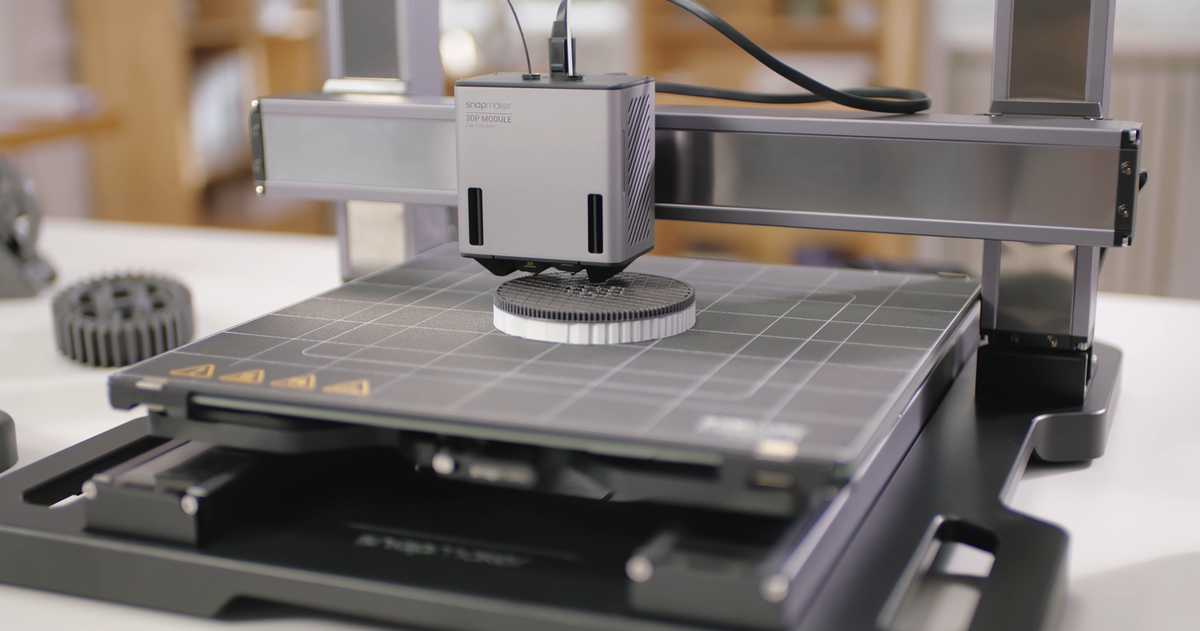
The question, “How long will this take to print?” is the most frequently asked inquiry in the world of additive manufacturing. Unlike conventional subtractive processes that may be measured in minutes or hours, 3D printing often operates on a timescale ranging from less than an hour to several days. The simple answer is that there is no single answer; the duration is dictated by a complex interplay of geometric, material, and software-defined variables. Mastering the estimation of print time is crucial for project planning, cost calculation, and production management. This article breaks down the primary factors that determine the final elapsed time of any print job.
The Foundational Variable: Object Geometry and Size
The physical dimensions and design complexity of the object are the first and most dominant determinants of print duration.
Volume and Height
While the total volume of material is important for consumption, the height of the part (the dimension along the Z-axis) is the direct multiplier for time. Every single layer must be deposited, and the print head must execute an up-and-down movement for each layer change. A tall, thin object can take significantly longer than a short, wide object of the same total material volume simply because the number of discrete layer depositions is much higher.
Cross-Sectional Area
The size of the cross-section of the object at any given height determines how much horizontal travel the 3D printer must perform per layer. A part with a large, solid footprint requires the nozzle to trace a much longer path for every layer, consuming more time than a part with a small, intricate footprint.
Feature Complexity
Prints with highly complex geometries, steep overhangs, or numerous small, isolated features force the 3D printer to slow down due to constant changes in direction, rapid acceleration, and the need for precision. Conversely, a simple box shape allows the printer to maintain higher, more consistent speeds throughout the job.
Slicer Settings: The Dominant Time Multiplier
The slicer software is the digital brain that translates the 3D model into the physical instructions (G-code). The settings chosen within this software can easily double or halve the total print time without changing the model itself.
Layer Height: This setting is the most critical variable affecting duration. Standard layer heights for FDM printing are often . Reducing this to (for a smoother finish) effectively doubles the number of layers, which consequently nearly doubles the overall print time. The quest for ultra-fine detail is a direct trade-off for speed.
Infill Density and Pattern: The infill percentage dictates how much material is deposited inside the object (not including the walls). A infill might be sufficient for structural parts, but increasing this to adds a substantial amount of material deposition time. Furthermore, the infill pattern matters; a simple rectilinear pattern is faster to execute than a complex, highly structural pattern like gyroid, which requires more travel moves and calculations.
Print Speed: The speed setting is always differentiated between outer walls, inner walls, infill, and supports. To maximize quality, the outer perimeter speed is typically reduced significantly (often to ) to ensure sharp details and minimal ringing. Since the outer shell is the visible surface, these slower speeds account for a large percentage of the total job time.
Support Structures: If the object has significant overhangs, generating support structures adds to the printing time, as the 3D printer must deposit the sacrificial material before continuing with the main part. The density and complexity of these supports directly contribute to the final duration.
The Influence of Material and Technology Selection
The raw materials used and the technology employed by the 3D printer impose physical constraints that affect the allowable speed and duration.
Material Type and Thermal Constraints: Different types of 3D printer filament require specific thermal profiles. Materials like high-temperature polycarbonates or some engineering-grade filaments require significantly higher nozzle and build plate temperatures than standard PLA. These materials often require slower print speeds to ensure proper thermal bonding between layers and to prevent warping (adhering to the cooling-rate requirements). A material that warps easily must be printed slower to manage internal stresses.
Extrusion Limitations: The maximum volumetric flow rate of the chosen filament dictates how fast the material can be melted and pushed through the nozzle. If the slicer attempts to exceed this rate, the printer will either under-extrude or stall. High-flow hotends can allow for greater speeds, but this is always governed by the physical properties of the chosen 3D printer filament.
Printing Technology: While this article focuses primarily on Fused Deposition Modeling (FDM), the technology itself sets the baseline speed. Resin-based printers (SLA/DLP) often print complex objects faster than FDM machines because the time is determined by the number of layers (Z-height) and not the complexity of the X/Y cross-section. Large-scale industrial printers utilizing powder bed fusion or other technologies operate on entirely different time scales.
Pre- and Post-Processing Time Considerations
While not strictly “printing time,” the workflow surrounding the job must be factored into the overall production schedule.
G-code Generation (Slicing): For extremely large or highly detailed models, the time it takes for the slicing software to generate the G-code can range from a few seconds to several minutes, especially when complex infill patterns or fine layer heights are selected.
Machine Preparation: The time required to heat the build plate and the nozzle, which can take to minutes depending on the target temperature and the machine’s thermal efficiency, is part of the total job time.
Post-Processing: The work done after the print finishes often consumes more human labor hours than the print itself. This includes cooling time, support removal, sanding, chemical smoothing (if using a material like ABS), cleaning, and painting. This final finishing stage is often overlooked but must be accounted for in professional production estimates.
Conclusion
Determining the duration of a 3D print is a highly conditional exercise. There is no magic formula, but rather a spectrum of decisions and variables, all of which represent trade-offs between speed, quality, and material properties. A small functional part printed quickly with a layer height might take two hours, whereas a highly detailed sculpture of the same volume printed with layers could take over twenty hours. Achieving efficient production requires the operator to skillfully balance the physical limits of the 3D printer, the specific requirements of the chosen 3D printer filament, and the aesthetic goals defined by the slicer settings. Always view the time estimated by the slicer as a baseline, understanding that variables like machine calibration and environmental conditions can still cause minor fluctuations in the final time.